Research-based article. Every price and credit figure below comes from the official Runway, Luma and Pika pricing pages, last checked on 13 November 2026. We did not generate videos for this article. The cost-per-clip figures are our own arithmetic from those published numbers. Some links on this site may be affiliate links; see the affiliate disclosure and our editorial policy.
Quick answer
- AI video plans are priced in credits, not videos. The monthly price alone tells you very little.
- On the published numbers, one 5-second clip costs between about $0.15 (Luma Ray3.2 at 540p) and about $2.27 (Kling 4.0 inside Runway Standard).
- Resolution is the biggest lever: on Luma, a 1080p Ray3.2 clip uses 4 times the credits of a 720p one.
- Failed or unusable clips still cost credits on most platforms, so plan for retries.
- Prices change fast. Confirm on the official page before you pay.
How AI video generator pricing works
Almost every tool sells a monthly pool of credits. Each generation spends some of that pool. The number of credits depends on three things, so the same plan can produce very different numbers of clips.
- The model. Runway says Gen-4.5 costs 12 credits per second. On Luma, Ray3.2 is 100 credits for a 5-second 720p clip, while Veo 3.1 is 140 credits per second.
- The length. Cost scales with seconds. A 10-second clip is usually double a 5-second clip.
- The resolution. Luma lists 50 credits for a 5-second 540p Ray3.2 clip and 400 credits at 1080p.
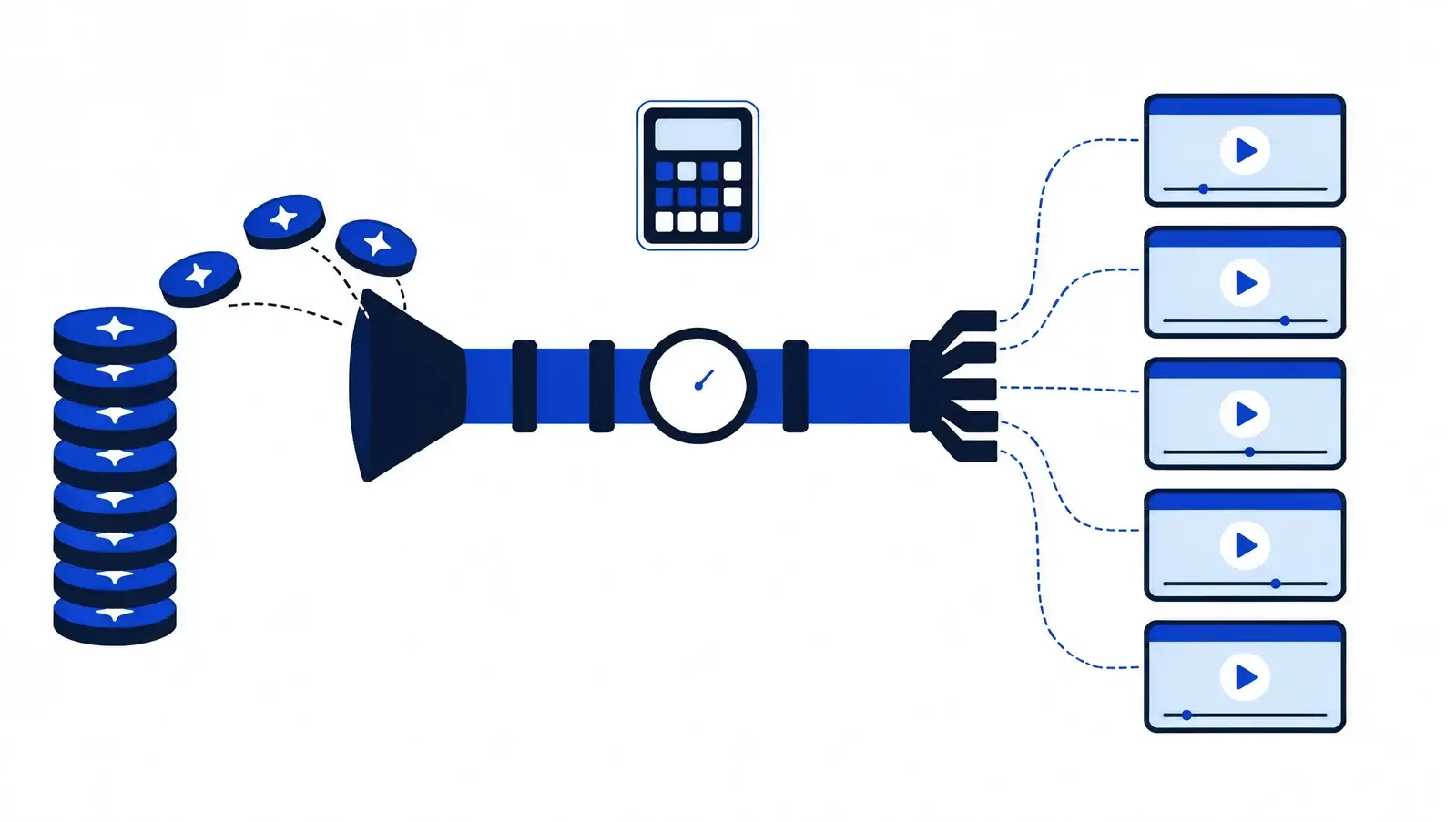
To compare plans fairly, convert everything into one number: the cost of one clip. This is the method we use in every article on this site.
Plan price ÷ monthly credits
= price per credit
× credits one clip uses
(model, seconds, resolution)
= cost per clip
× retries = real cost
Plans at a glance (checked 13 November 2026)
The table lists each plan exactly as the official page shows it. Where a page shows both monthly and yearly prices, both are given.
| Tool and plan | Price | Credits | Notes from the pricing page |
|---|---|---|---|
| Runway Free | $0 | 125, one time | Credits do not expire; limited model selection |
| Runway Standard | $12 a month billed yearly ($15 monthly) | 625 a month | Lists "No watermarks"; credits do not roll over |
| Runway Pro | $28 a month billed yearly ($35 monthly) | 2,250 a month | Unlimited 4K upscaling; credits do not roll over |
| Runway Max | $76 a month billed yearly ($95 monthly) | 9,500 a month | Up to one month of unused credits rolls over |
| Luma Plus | $30 a month (monthly view; Luma says yearly saves up to 20%) | 10,000 | Lists commercial use |
| Luma Pro | $90 a month (monthly view) | 40,000 | Everything in Plus, with more agent usage |
| Luma Ultra | $300 a month (monthly view) | 150,000 | Everything in Pro, with more agent usage |
| Pika Free | $0 | No monthly credits listed | Page says "Try all models with credit packs"; no commercial license |
| Pika Starter | $10 a month, billed monthly | 600 a month | 60 credits per $1; commercial license included |
| Pika Creator | $35 a month, billed monthly | 2,600 a month | Marked "Most popular" on the page |
| Pika Fancy | $95 a month, billed monthly | 8,550 a month | Priority queue; unlimited parallel generations |
The Luma page we read shows no free individual plan. Pika offers yearly billing with a 20% saving according to its toggle, but we only read the monthly prices.
What one 5-second clip really costs
The chart below applies the formula to the models where both the plan and the per-clip credit cost are published. Pika is not included because we did not find a published credit cost per clip on its pricing page.
How to read the chart
- Luma looks cheaper because its price per credit is lower ($0.003 on Plus against $0.0192 on Runway Standard on yearly billing). But Luma charges more credits for higher resolution and premium models.
- The same underlying model costs different amounts in different tools. Kling 4.0 is 118 credits for 5 seconds on Runway and 265 on Luma, and each platform sets its own credit price.
- The chart assumes every generation is used. In practice it is a floor, not a typical bill.
Runway: pricing and what you get
Best for: creators who want a single workspace for video, images and audio, and who will use it for a few clips a week.
- Free: 125 one-time credits, about two 60-credit Gen-4.5 clips.
- Standard ($12 yearly / $15 monthly): 625 credits a month, which Runway equates to about 52 seconds of Gen-4.5. Up to 3 projects, 5 parallel generations, 20 GB storage.
- Pro ($28 yearly / $35 monthly): 2,250 credits, 15 parallel generations, 5 projects, unlimited 4K upscaling, top-up credits, 100 GB storage.
- Max ($76 yearly / $95 monthly): 9,500 credits, 20 parallel generations, one month of credit rollover, studio-grade HDR and ProRes output, 500 GB storage.
Pros
- One plan covers video, image and audio models, including Gen-4.5 and third-party models.
- Max is the only Runway plan where unused credits roll over (one month).
- Top-up credits never expire, with a minimum purchase of 1,000 credits.
Cons
- Credits on Standard and Pro reset every billing cycle, so unused credits are lost.
- The credit price is the highest of the three tools we checked: about $0.0192 per credit on Standard (yearly).
- The free allowance is a one-time 125 credits, not a monthly one.
Verdict: a good fit if you value the all-in-one workspace and will use your credits every month. For high clip counts, compare it against Luma using the formula above.
Luma: pricing and what you get
Best for: people who want many models behind one credit balance and who generate enough clips to benefit from a low price per credit.
- Plus ($30 a month): 10,000 credits, Luma and third-party image and video models, edit access for guest collaborators, commercial use.
- Pro ($90 a month): 40,000 credits and 4 times the usage with the Luma Agents.
- Ultra ($300 a month): 150,000 credits and 15 times the Agents usage.
- Team and Enterprise: contact sales; adds shared team credits, usage analytics and SSO.
Pros
- Lowest price per credit of the three: $0.003 on Plus, $0.00225 on Pro, $0.002 on Ultra.
- Large model list: Ray3.2, Kling 4.0, Seedance, Veo 3.1 and MiniMax models appear in the same price table.
- Commercial use is listed from the entry paid plan.
Cons
- Costs vary widely by model: a 5-second Veo 3.1 clip is 700 credits, seven times a 5-second Ray3.2 720p clip.
- 1080p Ray3.2 costs 4 times 720p, so quality upgrades are expensive.
- No free individual plan on the page we read, and no rollover rules stated there.
Verdict: the cheapest per clip for most settings we compared, if you choose the model and resolution with the credit table open.
Pika: pricing and what you get
Best for: casual creators who want a low monthly entry price and commercial rights without a large commitment.
- Free: all models available through credit packs; no commercial license.
- Starter ($10 a month): 600 credits, commercial license, 2 video generations in parallel.
- Creator ($35 a month): 2,600 credits.
- Fancy ($95 a month): 8,550 credits, unlimited parallel generations, priority queue, free Pika H3 Flex generations every day.
Pros
- The lowest entry price here at $10 a month, with a commercial license included.
- Price per credit falls as you move up: about $0.0167 on Starter, $0.0135 on Creator and $0.0111 on Fancy.
Cons
- We did not find a published credit cost per clip, so we cannot give you a cost per clip.
- The free plan has no commercial license.
Verdict: worth testing if you want to start cheap. Check the credit cost of your chosen model inside the app before you commit.
Three budgets, worked out
These examples assume every clip is 5 seconds and every generation is kept. Runway uses Gen-4.5 at 60 credits a clip. Luma uses Ray3.2 at 720p, 100 credits a clip.
| Clips a month | Credits needed (Runway / Luma) | Runway plan that fits | Luma plan that fits |
|---|---|---|---|
| 20 | 1,200 / 2,000 | Pro (2,250 credits). Standard covers only 10 clips. | Plus (10,000 credits), $30 |
| 100 | 6,000 / 10,000 | Max (9,500 credits covers 158 clips), $76 yearly or $95 monthly | Plus, exactly using 10,000 credits |
| 400 | 24,000 / 40,000 | Above Max's 9,500 credits; top-ups needed (price not verified here) | Pro (40,000 credits), $90 |
If only one in three clips is usable for you, multiply the clip count by three. That ratio is an illustrative assumption, not a measurement. Track your own hit rate for a month before you choose a yearly plan.
Mistakes to avoid
- Choosing a plan by monthly price instead of cost per clip.
- Forgetting that credits on Runway Standard and Pro reset every cycle.
- Paying for yearly billing before you know your monthly usage.
- Generating at 1080p while still testing ideas. Draft at a lower resolution first.
- Assuming a free plan allows commercial use. Pika's free plan, for example, does not.
- Trusting a price from a blog, including this one, without checking the official page.
Checklist before you pay
- Write down how many clips you need each month and how long each one is.
- Open the model credit table and note the credits for your chosen model and resolution.
- Divide the plan price by its credits, then multiply by credits per clip.
- Multiply by the number of attempts you expect per usable clip.
- Check watermark and commercial-use rules for your exact plan. Our guide to AI video generators without a watermark covers this.
- Pick monthly billing first. Switch to yearly once your usage is steady.
Frequently asked questions
Why does the monthly price not tell me my cost per video?
Because each clip spends a variable number of credits. Model, length and resolution all change the credit cost, so the useful number is price per credit multiplied by credits per clip.
Which AI video generator is cheapest?
On the numbers we checked, Luma Ray3.2 at 540p or 720p on the Plus plan has the lowest cost per 5-second clip. That changes if you need higher resolution or a premium model, so run the formula for your own settings.
Is yearly billing worth it?
Runway's yearly prices are 20% lower than monthly ($12 against $15 for Standard). That saving only helps if you will use the credits every month, because Standard and Pro credits reset each billing cycle.
Do unused credits carry over?
On Runway, Standard and Pro credits reset every cycle, and Max rolls over up to one month. Credits you buy as top-ups never expire. Luma's and Pika's pages did not state rollover rules in the text we read, so check their terms.
Do failed generations cost credits?
Many platforms charge credits for every generation, including ones you discard. We could not confirm each tool's refund rules from the pricing pages, so check the help centre before you buy.
Can I use free-plan videos commercially?
Not automatically. Pika's free plan lists the commercial license as not included. Read the terms for your exact plan before you publish for a client.
Will these prices change?
Yes, and quickly. For example, Runway's page shows a 25% Kling 4.0 discount until 30 November. Treat this article as a snapshot dated 13 November 2026.
The bottom line
Do not shop by monthly price. Decide your clip length, resolution and model, convert the plan into cost per clip, and add a buffer for retries. On the figures we checked, Luma is cheapest per clip for most settings, Runway is the most complete workspace, and Pika has the lowest entry price. Verify on the official page before you pay.
Sources
- Runway pricing page, checked 13 November 2026 (official).
- Luma plans and pricing page, checked 13 November 2026 (official).
- Pika pricing page, checked 13 November 2026 (official).
- Cost-per-clip figures and the three-budget table: our own calculation from the pages above, rounded to the nearest cent.