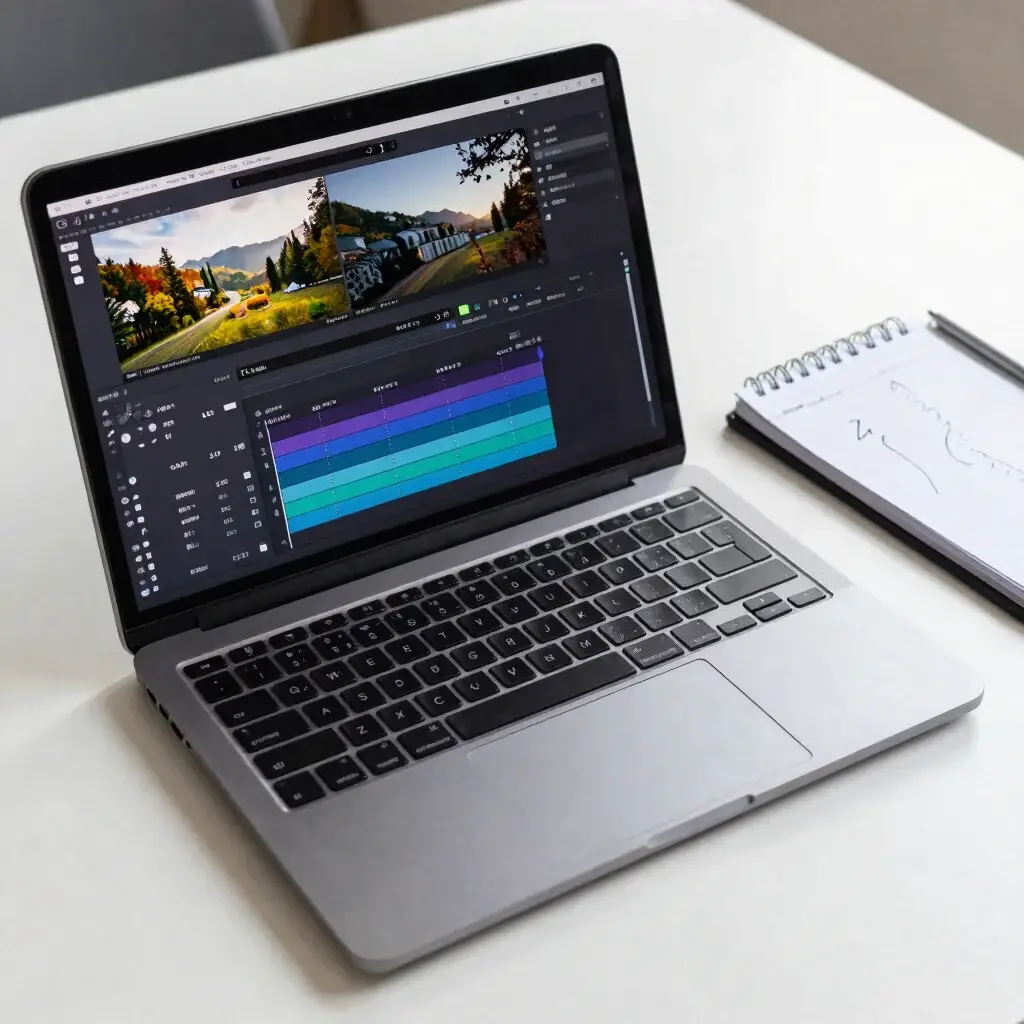
AI video generators make clips, but a clip is not a finished video. Somewhere between the first generation and the file you publish, someone has to choose shots, fix problems, add sound and check the result. This guide shows where AI editing tools help in that chain and where human judgement still matters.
Quick answer
Use AI to speed up repeatable, low-risk tasks such as rough cuts, captions, clean-up and first drafts. Keep people responsible for the story, the facts, the brand look, the rights and the final quality check. Treat every AI output as a draft that you review before it goes public.
The five stages of an AI video workflow
| Stage | What happens | Where AI can help | What a person should check |
|---|---|---|---|
| 1. Plan | Define the goal, audience, length and where the video will run | Brainstorming angles and drafting a script outline | Whether the idea is accurate, useful and fits the audience |
| 2. Generate | Create clips from prompts or images | Text-to-video and image-to-video tools | Distorted details, odd motion, and anything that resembles a real person or brand |
| 3. Edit | Choose shots, trim, order and pace them | Rough cuts, silence removal, scene detection | Story flow, pacing and whether each shot supports the message |
| 4. Polish | Add captions, audio, colour and graphics | Auto-captions, noise reduction, music suggestions | Caption accuracy, audio levels and licence terms for music and assets |
| 5. Publish | Export, upload and label | Format and resolution presets | Platform rules, AI-content labels and a final watch-through |
If you are still deciding how to start the generate stage, read text-to-video or image-to-video first.
Where AI editing helps most
- Captions and transcripts: automatic captions save time, though you still need to fix names, numbers and technical terms.
- Rough cuts: removing silences and obvious mistakes gives you a first pass to refine.
- Clean-up: noise reduction and basic enhancement can improve usable footage.
- Resizing: adapting one video to vertical, square and wide formats.
- Drafting: outlines, hooks and shot lists that you then rewrite in your own voice.
Where human judgement stays essential
- Facts: AI tools can produce confident but wrong statements. Check anything that claims to be true.
- Story and tone: only you know what your audience needs and what your brand should sound like.
- Rights: you are responsible for the images, music, voices and footage you use.
- Safety and fairness: avoid misleading edits, fake endorsements and content that could harm people.
- Final quality: watch the full video at normal speed, with sound, on a phone and on a larger screen.
Three example workflows
These are planning examples, not test results. Adjust them to your tools and budget.
Solo creator: short-form videos
- Write a one-line idea and a short script.
- Generate a few short clips, or use your own footage.
- Run an AI rough cut, then trim by hand.
- Add captions and fix them manually.
- Check licence terms for music, then export and label as required.
Small business: product video
- Start from product photos you own.
- Animate them with image-to-video and keep movements simple.
- Check that logos, text and product details are not distorted.
- Add a voice-over or captions and your brand colours.
- Have a second person review before publishing.
Freelancer: client video
- Agree the brief, rights and what AI use the client allows in writing.
- Generate options and show the client the ones that fit the brief.
- Edit and polish, keeping a list of every asset and its licence.
- Review for accuracy and make revisions.
- Deliver the files with the licence and usage notes.
How to decide which stage to automate first
- List the tasks in your current workflow and how long each takes.
- Mark the ones that repeat and carry low risk if they go wrong.
- Test an AI tool on one of those tasks with real material.
- Measure the time saved and the number of corrections you had to make.
- Keep the tool only if the saved time is greater than the review time.
Cost and limits to keep in mind
Editing tools and generators often have credit limits, export limits and watermarks on free plans. Before you build a workflow around a tool, confirm its limits. Our guide to AI video generator pricing, credits and real cost per clip explains how to compare them, and how to evaluate free AI video tools gives you a test method.
Common mistakes
- Publishing AI output without a full review.
- Trusting automatic captions without checking names and numbers.
- Using music, voices or images without checking the licence.
- Automating the creative decisions that make the video yours.
- Building a workflow around a free plan that changes or ends.
Pre-publish checklist
- Facts and numbers are checked against a reliable source.
- Captions are corrected.
- Music, images, voices and fonts have a licence that fits your use.
- No distorted faces, hands, text or logos.
- No misleading edits or fake endorsements.
- The video is labelled as required by the platform.
- I watched the full video with sound before publishing.
Frequently asked questions
Can AI replace a video editor?
AI can speed up parts of editing, but choosing a story, judging quality and taking responsibility for the result remain human work. The more important the video, the more review it needs.
Do I need paid tools to build this workflow?
Not always. Many tools have free plans, but limits and watermarks vary. Check the current plan before you rely on one.
How much of the video should AI make?
There is no single right amount. Use AI where it saves time without lowering quality or accuracy, and keep control of anything that affects trust.
Do I have to say a video was made with AI?
Rules depend on the platform, country and context. Check the current policies of the platform where you will publish and label content when required.
What is the first task I should automate?
Start with captions or rough cuts. They repeat often, are easy to review and carry low risk if you check the result.
Where can I see how you assess tools?
Read our Kling AI review and our editorial policy.
Bottom line
Use AI to save time on repeatable tasks and keep people in charge of the decisions that matter. Plan your stages, test one change at a time, check every output and confirm rights before you publish.
Last updated: 13 November 2026. Tools and plans change quickly, so confirm details on each tool’s official page.